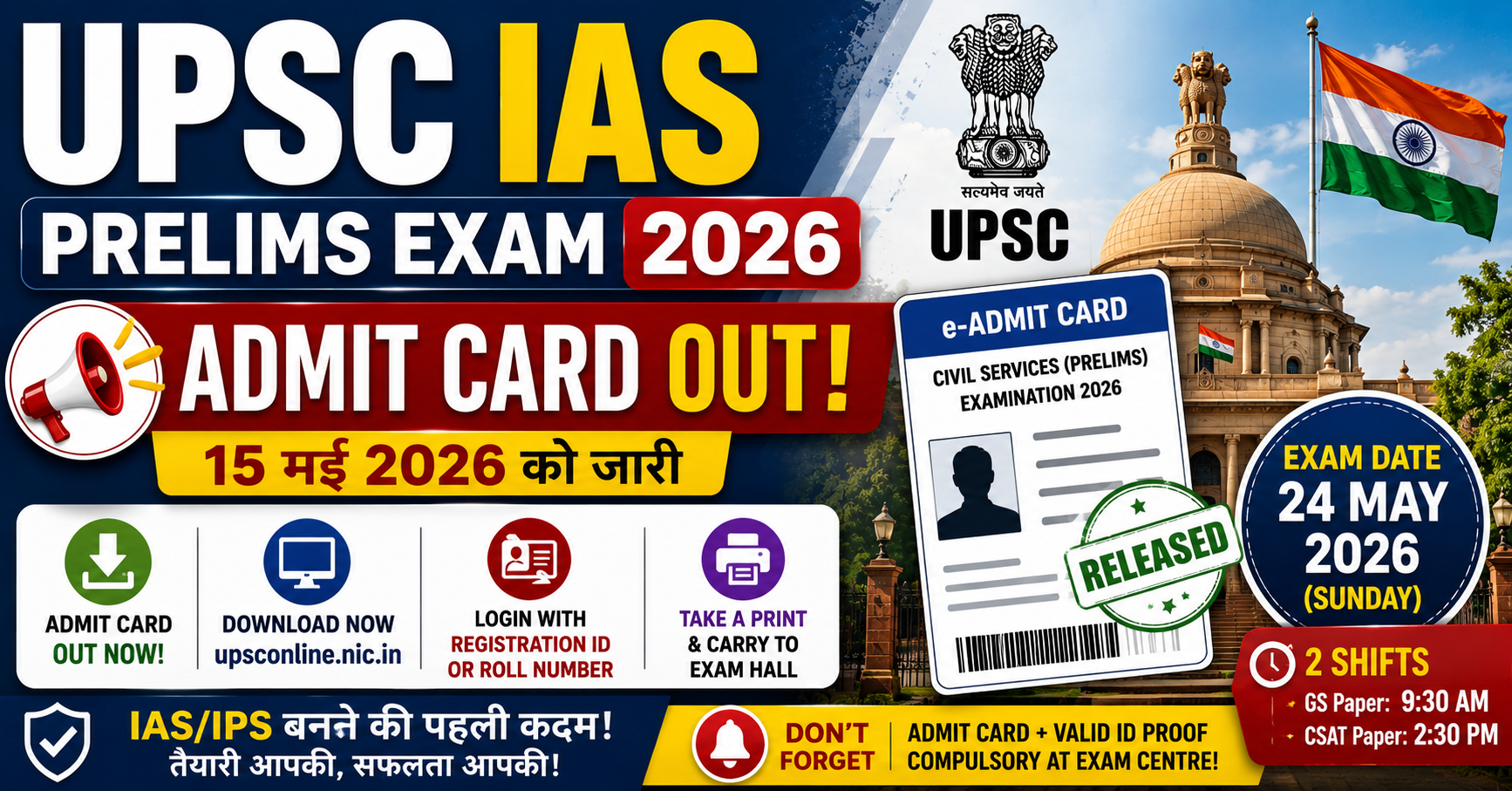
UPSC Prelims Admit Card 2026 – पूरी जानकारी
लाखों candidates का इंतज़ार खत्म हो गया है! Union Public Service Commission (UPSC) ने अपनी official website पर IAS/IPS बनने के पहले पड़ाव यानी Civil Services Preliminary Examination 2026 का admit card जारी कर दिया है। Candidates अपना e-admit card Registration ID या Roll Number के ज़रिए download कर सकते हैं।
UPSC IAS Prelims exam 24 May 2026 (Sunday) को पूरे India में बनाए गए हज़ारों centers पर दो shifts में (Paper 1 – GS और Paper 2 – CSAT) conduct करवाया जाएगा। बिना admit card के किसी भी हालत में exam hall में entry नहीं मिलेगी, इसलिए आज ही इसका clear printout निकाल लें।
| Exam Detail | Information |
|---|---|
| Conducting Body | Union Public Service Commission (UPSC) |
| Exam Name | Civil Services Preliminary Exam (CSE) 2026 |
| Admit Card Status | Released (Out Now) ✅ |
| Release Date | 15 May 2026 |
| Exam Date | 24 May 2026 (Sunday) |
| Shift Timings | GS Paper: 9:30 AM | CSAT: 2:30 PM |
| Official Website | upsc.gov.in |
UPSC IAS Prelims Admit Card 2026 Download कैसे करें? (Step-by-Step)
अपना UPSC admit card download करने के लिए आप नीचे दिए गए आसान steps को follow कर सकते हैं। आपको अपना Registration number या Roll number ready रखना होगा:
- Step 1: सबसे पहले UPSC की official website upsconline.nic.in पर जाएँ। (यह External Link सीधा download portal पर ले जाएगा).
- Step 2: Homepage पर “e-Admit Cards for Various Examinations of UPSC” link पर click करें।
- Step 3: वहाँ “Civil Services (Preliminary) Examination 2026” के सामने दिए ‘Download’ button पर click करें।
- Step 4: अब important instructions ध्यान से पढ़ें और नीचे “Yes” पर click करें।
- Step 5: Login करने के दो options आएँगे – By Registration ID या By Roll Number. अपना prefered option चुनें।
- Step 6: अपना details enter करें, captcha code fill करें और submit button दबा दें।
- Step 7: आपका admit card screen पर open हो जाएगा। इसे PDF format में save करें और इसका एक clear printout (A4 size paper पर) ज़रूर लें।
Exam Center पर क्या-क्या लेकर जाना ज़रूरी है?
Admit card के साथ-साथ आपको exam center पर कुछ ज़रूरी documents carry करना अनिवार्य है। इनके बिना entry restrict की जा सकती है:
- E-Admit Card का Printout: कोशिश करें कि admit card का printout clear हो, ख़ास करके photo और barcode वाला हिस्सा।
- Original Photo ID Proof: वही ID proof लेकर जाएँ जिसका number आपने application form में भरा था (जैसे Aadhaar Card, PAN Card, Voter ID, या Passport)।
- Black Ball Point Pen: OMR sheet भरने के लिए सिर्फ Black Ball Point Pen ही allowed है। कोई और colour या gel/ink pen का use मना है।
- Passport Size Photos: अगर admit card पर आपकी photo blur (धुंधली) है, तो अपने साथ दो recent passport size photos ज़रूर रखें।
🔗 Related Latest Jobs (Must Read)
- SSC CGL 2026 Notification Out Soon: 15000+ Vacancies, Apply Online
- RRB ALP Recruitment 2026 – 11,127 Bumper Vacancy Official Notification
- Indian Army Agniveer Admit Card 2026 – CEE Hall Ticket Download @ joinindianarmy.nic.in
- CTET September 2026 Notification Out – Apply Online @ ctet.nic.in, Last Date 10 June
- BPSC 71st Mains Result 2026 – Check Bihar PSC CCE Result @ bpsc.bihar.gov.in
UPSC Admit Card 2026 – Important Direct Links
नीचे दिए गए external links से आप direct अपना admit card download कर सकते हैं बिना किसी परेशानी के:
Conclusion
UPSC IAS Prelims Exam 24 May 2026 को है। Last minute rush से बचने के लिए आज ही अपना admit card download कर लें और अपने exam center की location पहले से check कर लें। Revision पर पूरा focus करें और exam day पर time से पहले center पहुँचें।
RojgarFix की तरफ से सभी UPSC aspirants को prelims exam के लिए All The Best! ऐसी ही fast और accurate government job updates पाने के लिए नीचे दिए गए button से हमारा Telegram channel join ज़रूर करें।
3 thoughts on “UPSC Prelims Admit Card 2026 Out: Download Direct Link, Exam Date”